What is a Cookie?
When to Use Cookies
-
User Preferences:
To remember user settings and preferences, such as language choices or login information.
-
Analytics:
To track and analyze user behavior on your website, providing insights into traffic sources and user engagement.
-
Advertising:
To deliver targeted advertisements based on user behavior and interests, often referred to as retargeting.
-
Shopping Carts:
To keep track of items that users add to their shopping carts while shopping online.
Why Use Cookies?
- By remembering user preferences and login details, cookies provide a smoother and more personalized browsing experience.
- Cookies help gather data that can be analyzed to improve website performance and understand user behavior.
- Cookies enable more targeted advertising, which can lead to higher conversion rates and better ROI for ad campaigns.
- Cookies are essential for the functioning of certain features, such as shopping carts and user authentication.
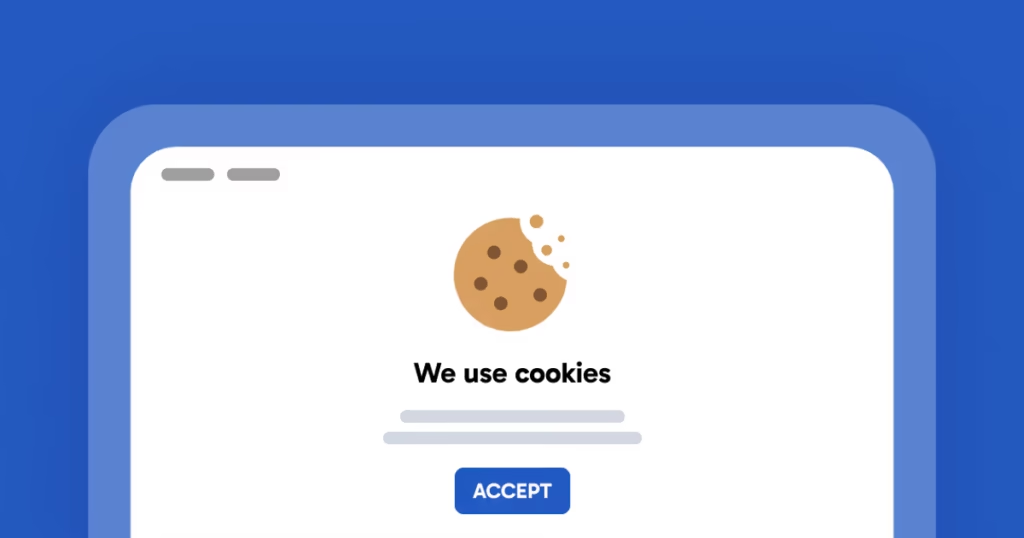
Example of Using Cookies
Cookie Rules and Regulations in Canada
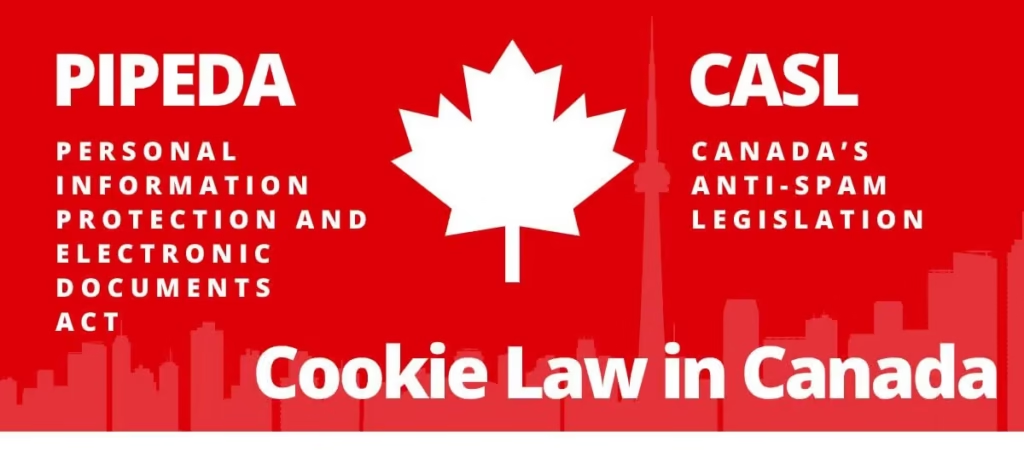
Personal Information Protection and Electronic Documents Act (PIPEDA)
- Consent: Organizations must obtain meaningful consent from individuals before collecting, using, or disclosing their personal information through cookies. This includes explaining why cookies are used and how the data will be handled.
- Transparency: Websites must clearly inform users about their use of cookies, including what information is collected and for what purpose. This information should be easily accessible, often through a privacy policy or a dedicated cookie policy page.
- Limiting Collection: Only the information necessary for the purposes identified should be collected through cookies.
- Safeguarding Information: Organizations must protect the personal information collected through cookies with appropriate security measures.
- Individual Access: Individuals have the right to access their personal information collected through cookies and request corrections if necessary.
Practical Steps for Compliance
Cookie Banner: Implement a cookie banner that appears when users first visit your site, informing them about the use of cookies and seeking their consent.
Privacy Policy: Include detailed information about your use of cookies in your privacy policy. Explain the types of cookies used, the data they collect, and how users can manage their cookie preferences.
Consent Management Tool: Use a consent management tool to handle user consent and preferences effectively. This tool should allow users to accept, decline, or customize their cookie settings.
Regular Audits: Regularly review your cookie practices and privacy policy to ensure ongoing compliance with PIPEDA and any updates to the regulation.
Most Asked Questions About Cookies
Cookies themselves are safe and cannot carry viruses or malware. However, they can be used to track user behavior, which raises privacy concerns. It’s important to use cookies responsibly and inform users about their use.
You can clear cookies from your browser settings. In most browsers, this can be found under privacy or history settings. For example, in Chrome, go to Settings > Privacy and security > Clear browsing data.
Yes, cookies can expire. When a cookie is set, it can have an expiration date. If no expiration date is set, the cookie is considered a session cookie and will expire when the browser is closed.
Yes, users can block cookies through their browser settings. They can choose to block all cookies or only third-party cookies. This can impact how websites function and may reduce the personalization of their browsing experience.
- First-party cookies: These are set by the website the user is currently visiting. They are used for remembering preferences and user behavior on that specific site.
- Third-party cookies: These are set by domains other than the one the user is visiting. They are commonly used for tracking and advertising purposes across multiple sites.